

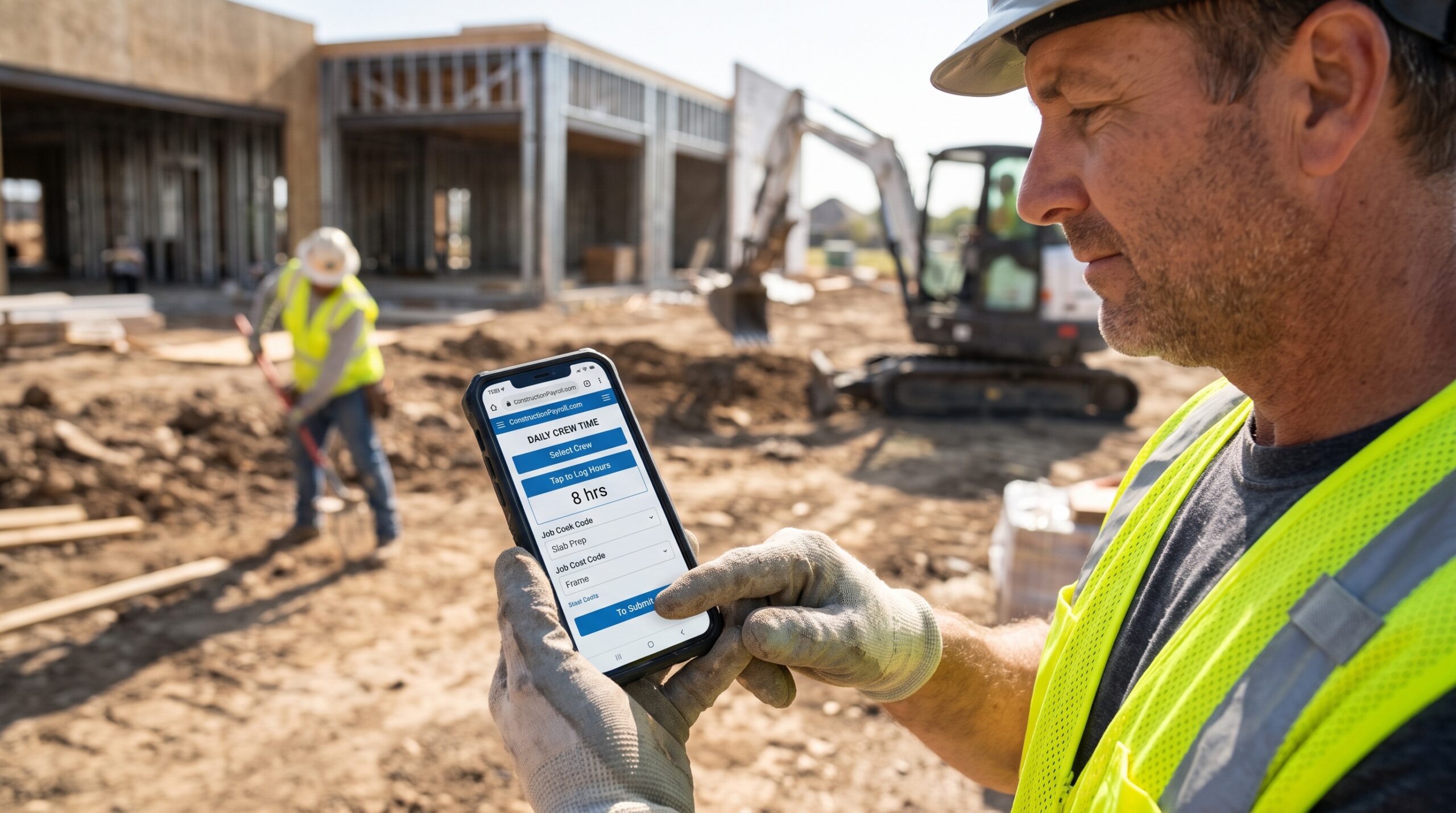
A time tracking system for construction works best when crews can log hours in a few taps and the data flows straight into payroll. ConstructionPayroll.com builds this into its construction payroll software, so hours reach your office already coded by job and cost code.
It’s 3 PM on Friday, and you’re still waiting on four timecards. One is smudged, one is blank, and one says “8 hrs” with no job code. You already know how this week’s job cost report will turn out.
If this sounds familiar, your office probably isn’t understaffed. Your workflow just isn’t collecting time the way it should. Paper cards get lost or misread. Apps that crews don’t understand get skipped or filled in wrong. Either way, the same problems come back every week.
Field crews aren’t against technology. They’re against tools that pull them away from the work. A good system lets workers spend more time working and less time typing. Once that happens, you’ve built a real data bridge from the field to the office.
How to Stop Losing Time From Your Field Workers
As mentioned before, there are many ways to collect time from your field workers. Some may still be using paper time cards. These will always lead to issues when trying to enter data into your system. You may not be able to read the writing. There might not be cost codes entered, or your worker guessed what code they should have used. Paper can also get damaged and become unreadable. All of these will cause your back office to input the data incorrectly and go back to fix it later.
Using an app that your workers don’t understand is another common problem. There are so many programs out there that require too many inputs to enter data. Your workers may not want to spend time logging into an application to enter their hours. If your system requires them to fill out too many fields, they will probably just throw all of their hours on one code and move on. They may enter random numbers just to get to the next page. You’re collecting data, but it’s not the correct data.
All of this ends up on your back office’s desk. They will have to reach out to your superintendents to get more information about why they have incorrect time entries. This can eat up an entire day if you’re not careful.
What To Look For In A Time Tracking System
You want your workers to be able to enter their hours in no more than 3 clicks. If your system requires your workers to scroll through menus or type in a lot of information, they will find another way to enter their data. Having a simple system that allows your workers to change cost codes and enter their time quickly is key.
Another important feature is the ability to collect time offline. Many times your field workers will be in areas with poor cell reception. If your time tracking system for construction doesn’t have offline capabilities, you’re going to run into problems collecting data. Make sure your workers are able to enter their data, and it will automatically sync when they get back online.
Your workers may want to clock in as a crew or enter individual time cards. Make sure your time tracking system has both options. If not, you’re going to run into problems trying to collect data from all of your workers. Having these features built into your system will allow you to collect time from all of your workers.
Connecting Your Time Cards To Your Back Office
When you’re able to collect time from your field workers, you will want to make sure it’s entering into your back office correctly. If your construction worker time collection system can send the information to your general ledger and job costs, you’re going to save time. You won’t have to input your time cards twice, and your workers will already have the correct cost codes on their hours.
Having access to this data will also allow your project managers to monitor their jobs throughout the week. They will be able to see how many hours were spent on a certain job and compare it to their budget. This will allow them to see if they’re over budget on a job before it’s too late.
Putting your field workers and office on the same platform streamlines your business by integrating time tracking with payroll, saving time and reducing mistakes. Make sure your construction payroll software includes these features.
Questions to Ask When Examining Your Current Time Collection Process
Are your workers able to enter their time and change cost codes in 3 clicks on a mobile device?
Does your time tracking system allow your workers to enter their time offline?
Is your field time automatically sent to your job costs?
Are your project managers able to view job hours against budget?
If you’re able to answer yes to all of these questions, you have a great time tracking workflow. If not, your back office will keep struggling every week.
Simplify Time Tracking for Your Team with ConstructionPayroll.com
Friday timecard panic is a workflow problem, and workflows can be fixed. Start by looking at how hours move from your crews to your payroll team. Where do they slow down? Where do mistakes creep in? A mobile-first system with offline entry and direct accounting integration removes those weak spots. Your crews log time faster. Your office stops re-keying data. Book a meeting with our team today and see how field-to-office time tracking works for your company.